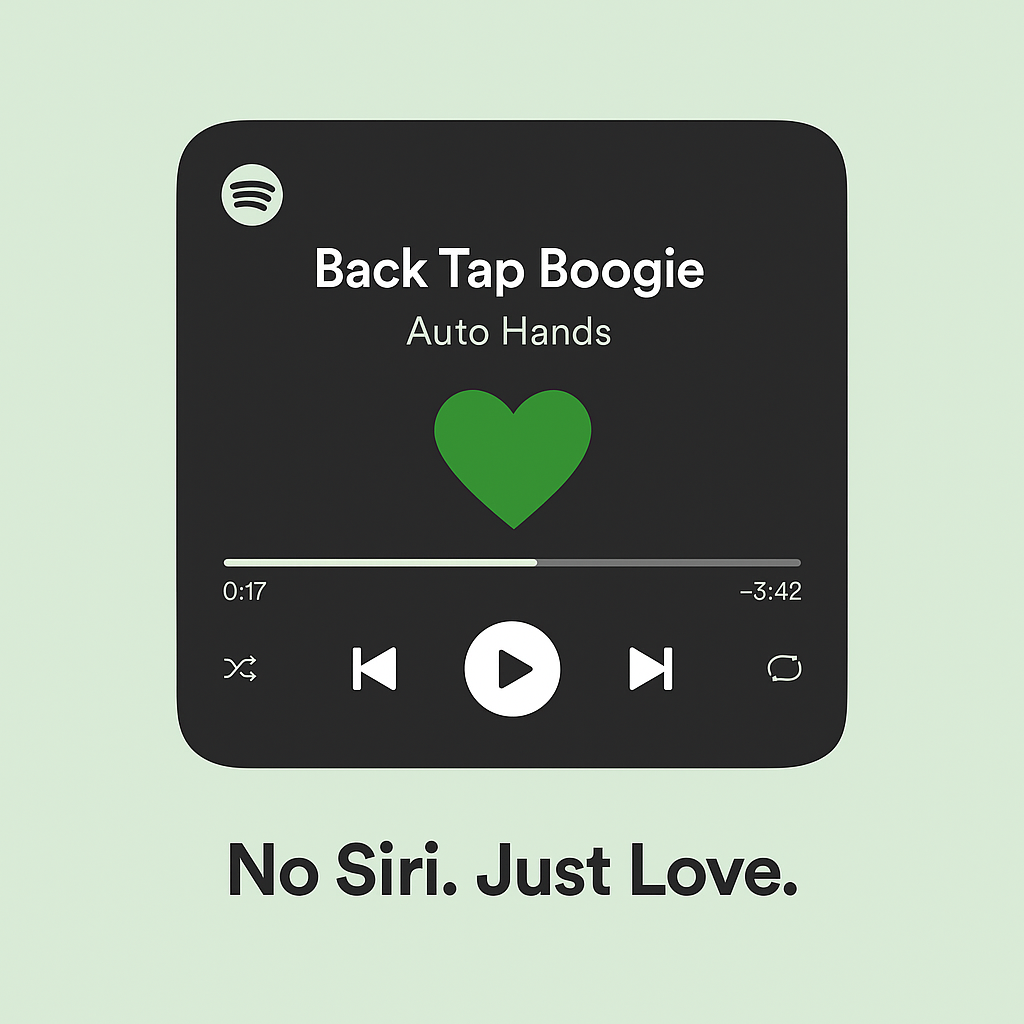
I built a silent, tap-based Apple Shortcut that lets me like the currently playing song on Spotify.
Y’see, often my phone is in my pocket when I listen to music. And when I want to like a song, I don’t want to haul it out, open the song, like it, and then put it all back in the pocket.
Yes, Siri itself can do this. But for some reason, it doesn’t realize a song is playing and so it babbles on to tell me ‘it liked the song on Spotify’, rudely barging in during a song I obviously like.
Danger of over-engineering
Being a maker, I started thinking of using some ESP32 or Wifi dev board to make an IoT type button. I then realized that Bluetooth might be better and that brought up the complication that I’d likely need some app on my phone to connect to the board and relay the info to Spotify.
Then I remembered val.town from a presentation by the wickedly creative Guy Dupont. Val.town allows one to script code that lives on the web and that can run on triggers or cron jobs.
Vibe living
So today I have a brief moment and started posing the question to Geoffrey (what I call ChatGPT), mentioning wanting to use Apple Shortcuts, which can send GET. But Geoffrey rightly pointed out some authentication issues.
I remembered val.town, mentioning it to Geoffrey, and that’s when things started falling into place.
Geoffrey helped me write a simple script for val.town that when triggered by an HTTP GET would ‘like’ the song that was playing.
After a few bumps and stumbles as I learned how to set things up in val.town (I knew what I was looking for, just not where things were) we were able to set up an Apple Shortcut that would send a GET to val.town that would then tell Spotify thru its API to like the playing song.
Geoffrey was helpful in breaking down the steps to set up the endpoint on Spotify, where to find the authentication credentials, and the code for val.town. We also added a few other features on the Apple Shortcuts side to read the result, and, if there was a successful ‘like’, play a tone and vibrate to signal success, but be silent on failure. [I was a bit concerned, but saw a delay between API call and UI update so needed to make sure the API call went thru.]
And Geoffrey kept surprising. After I mentioned Siri was still saying something after the Shortcut executed, because I was activating the Shortcut via Siri, Geoffrey suggested I trigger the Shortcut via Back Tap, an Accessibility feature I had forgotten about.
With a few clicks, I was able to activate Back Tap to activate the Shortcut that then leads down the path to liking the playing song. No Siri! Just Love. [That’s a line from Geoffrey, BTW.]
No autopilot ncessary
I do this ‘vibe coding‘ a lot. And despite what dreamers might say, you still need to know what your’e doing. I knew enough to ask the question, knew how the syntax worked (or at least could grok it), and didn’t have any issue jumping into Hoppscotch (recommended by Geoffrey) to do some REST play.
I don’t think I could have done this on my own. I am not sure there are enough examples for me to learn from, other than the API docs from Spotify. Geoffrey, under my direction, was able to do something that I could envision, see the steps, but not code. Yes, complementary, as I still needed to know what was going on.
Onwards and upwards
I only spent a few hours on this and ended up with something I’ve been ruminating on for a long time. I was able to ask for a simpler way, with well-remembered tips, and together Geoffrey and I built something very useful to me.
The funny thing is that Geoffrey then started wondering what else we could do, or what next. He’s always an eager beaver and trying to suggest the next step. But I told him we are good for now.
And really, Siri needs to be more polite.
Image: Co-created with Geoffrey.
